
DigitalHR - Face Recognition Attendance System
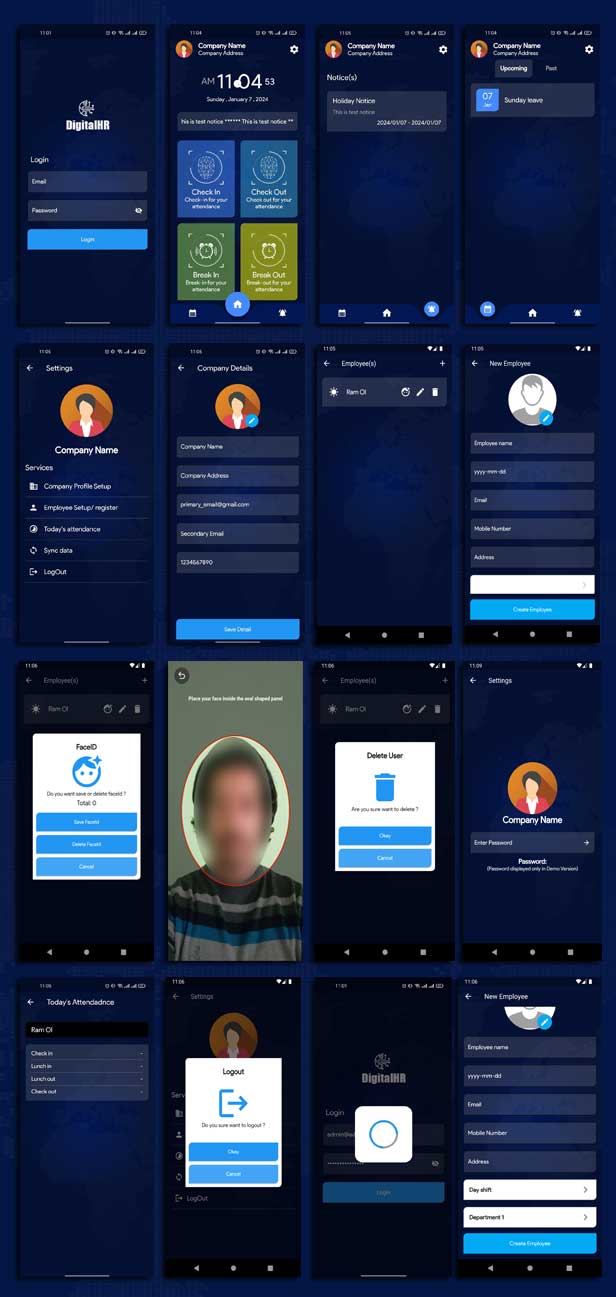
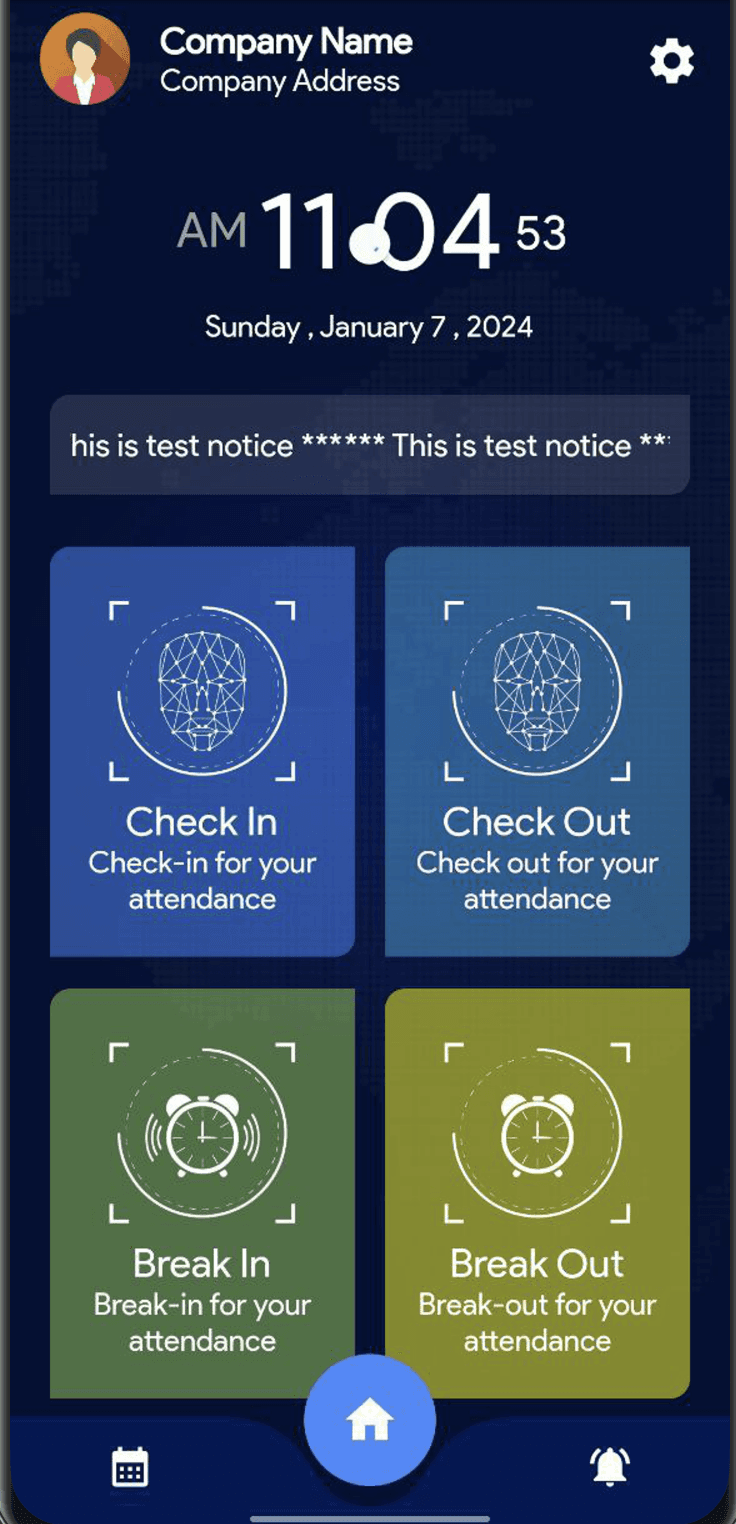
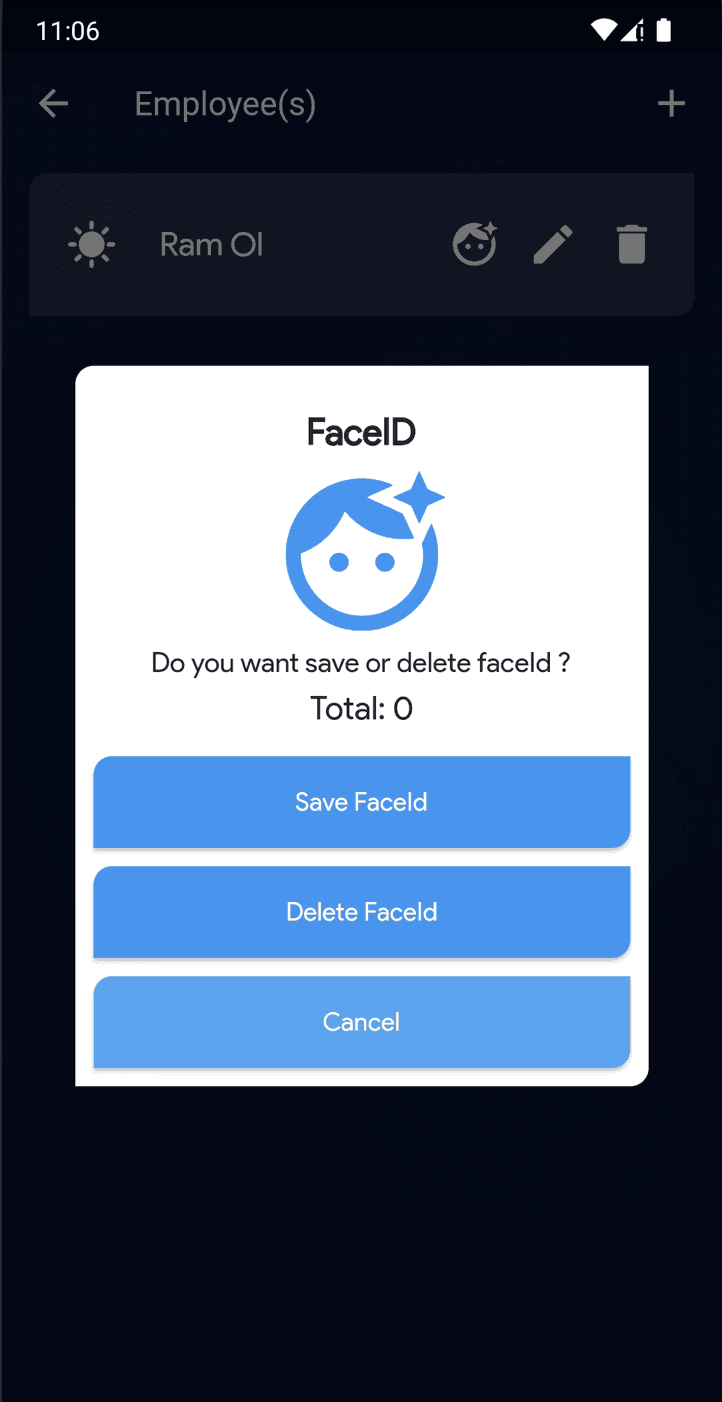
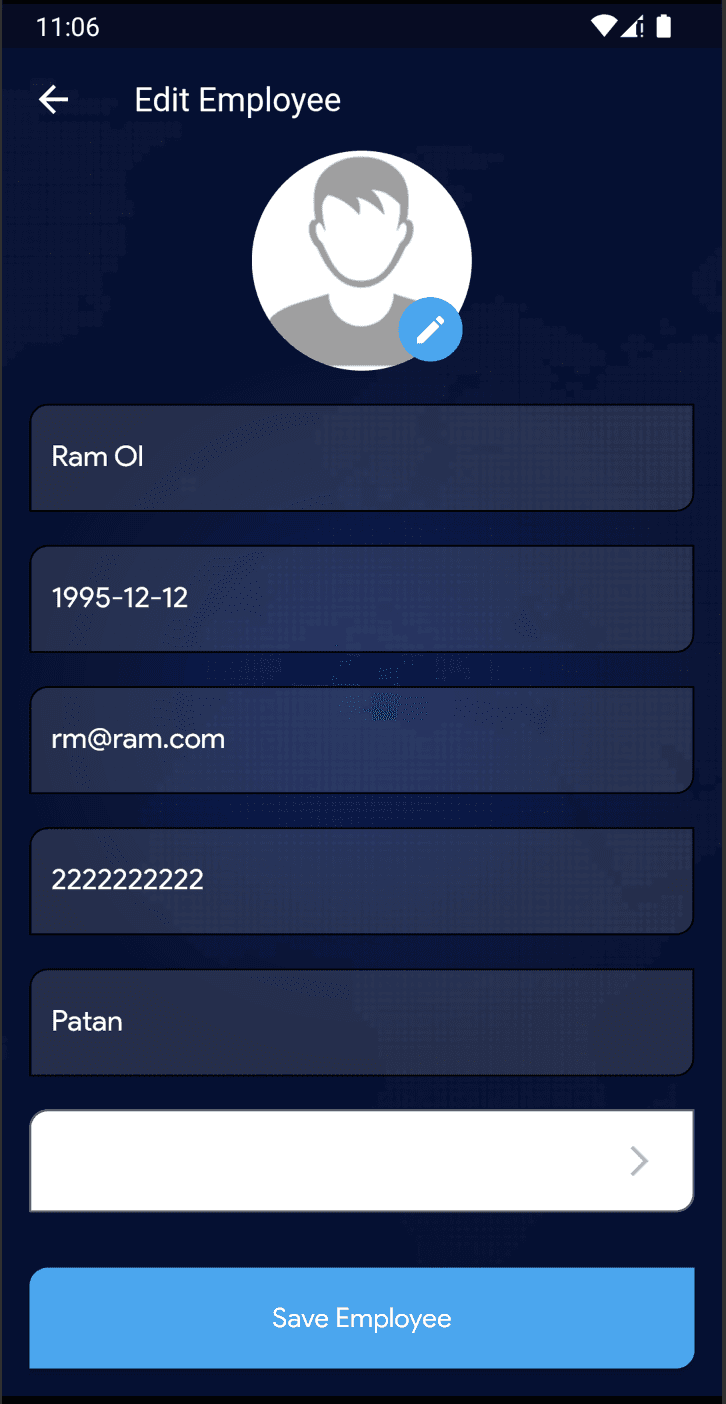
The face recognition attendance system offers a comprehensive attendance management solution, written in Flutter. This attendance system is feature-rich, utilizing face recognition attendance technology to manage attendance online. Google ML Kit is employed for face recognition to learn and identify employees’ faces. The system requires just one device, which can be installed in an office where all employees register. Once registered, employees can perform check-ins, check-outs, lunch-ins, and lunch-outs. This is an online attendance system version of our offline application.
In addition to using Google ML Kit for face recognition, the application ensures that users cannot alter their daily attendance dates. This mechanism is effective on both Android and iOS platforms, eliminating the need for web servers or internet connectivity, thus preventing employees from tampering with their attendance records. The reports generated are tailored for HR representatives, providing all necessary data in a convenient export format.
Mobile Application Features:
Hybrid Mobile Application
Single Device Application – Just ONE device is enough for all employees
Works on Android as well as iOS
Machine Learning via Google ML Kit for Facial Recognition
Dashboard to perform check-in/check-out as well as lunch-in/lunch out
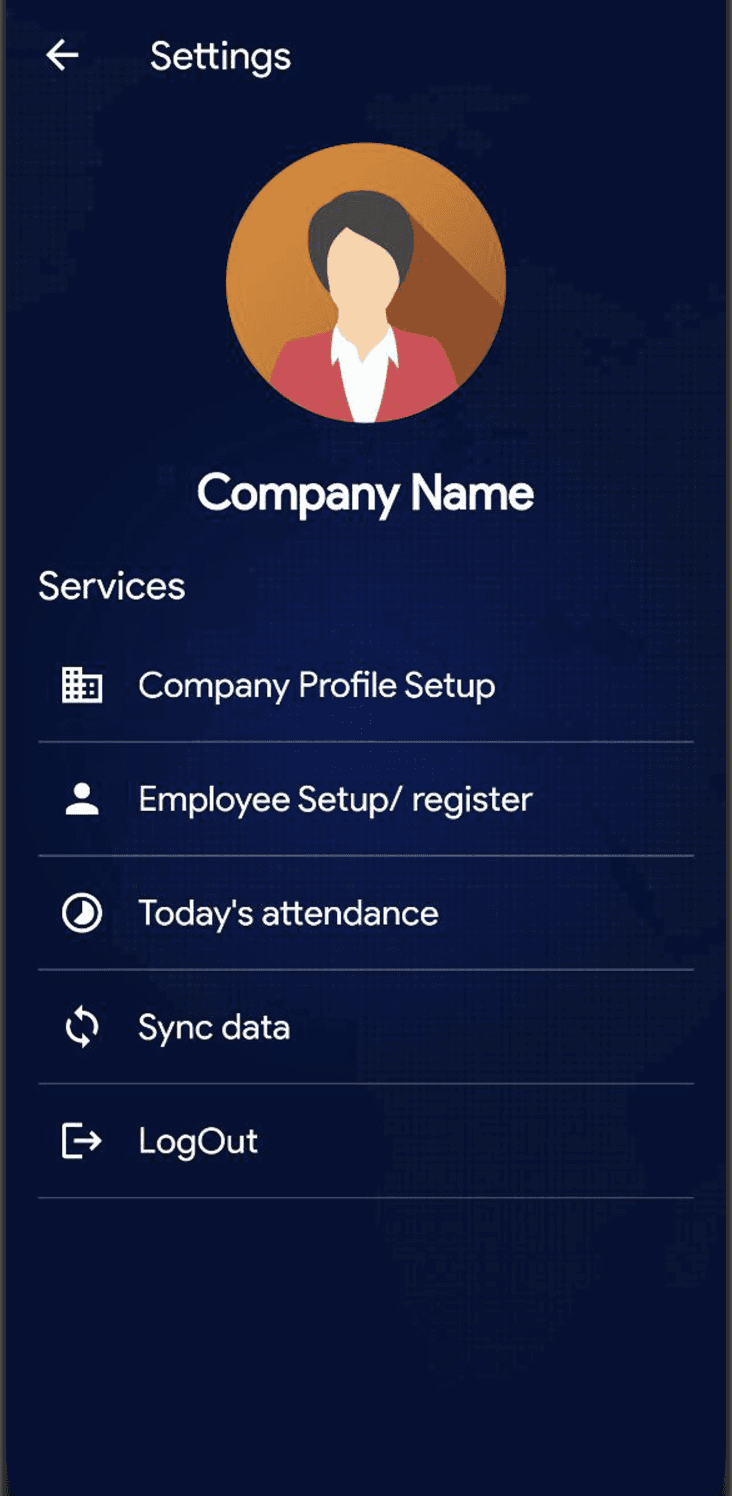
Settings Panel
Company Profile Setup
Birthday Reminder
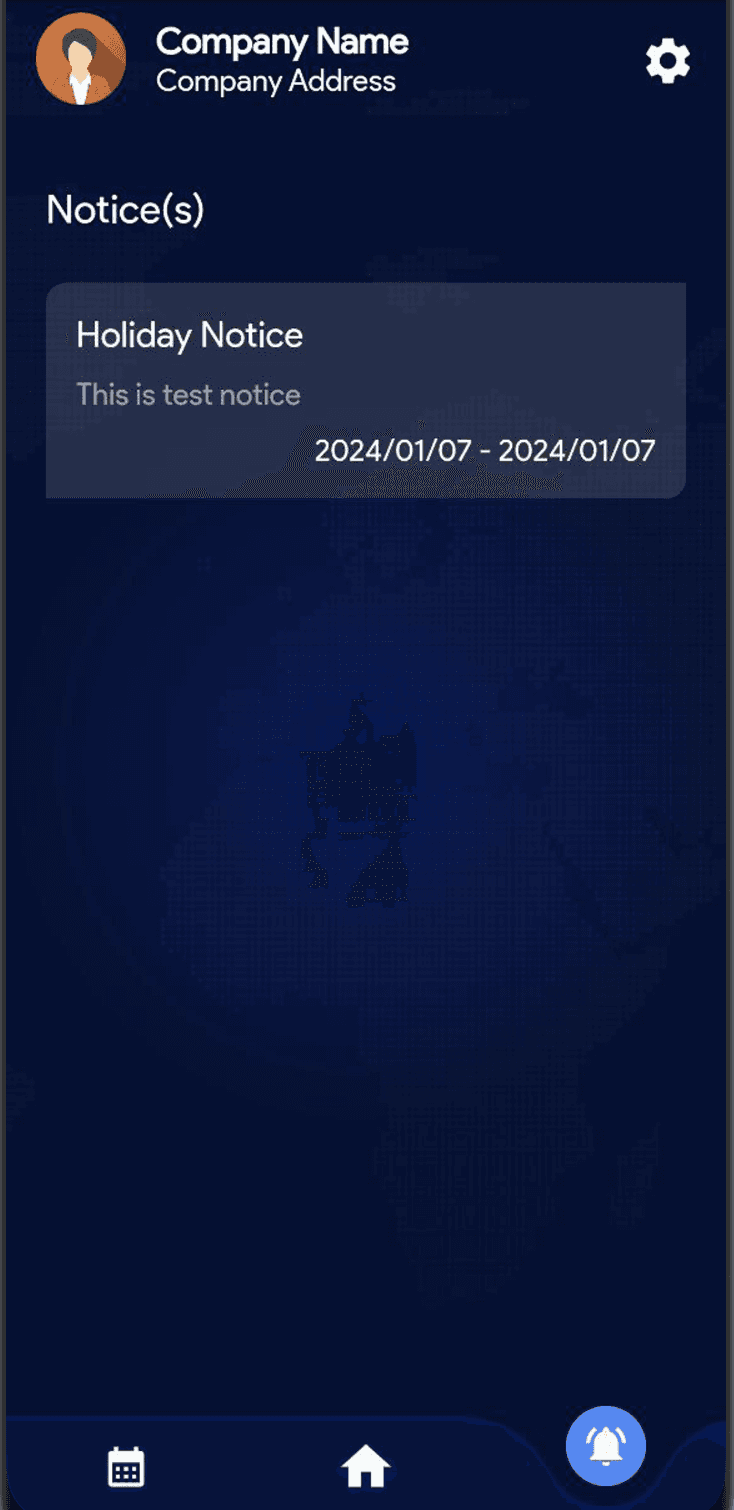
Notices Management
Fraud Detection as well as check. Thumbnail-size images are taken during each attendance and admins can verify this from the settings page
Other general settings
Demo Link Admin Panel:
URL: https://digitalhr.cyclonenepal.com
Username: admin@admin.com
Password: admin@admin.com
App Credentials :
username: admin@admin.com
password: admin@admin.com
Master password for entering settings: admin@123